Borne3D.
The touch interfaces that come alive under the hologram
The showcases running inside 3D holographic display kiosks: an eyewear store and a restaurant menu, on a shared visual base.
The client designs and builds their own 3D holographic display kiosks, devices that project a hologram above a screen. What we build is the content shown inside: the showcases and interfaces that appear under the hologram. The goal is to give real, elegant, interactive content to kiosks that, without it, are just hardware.
My role · Frontend & UIA holographic kiosk is only worth what it displays: without a polished interface, the device stays a technical shell. It needed interfaces designed for touch and for projection (full screen, dark mood, light animations), reusable across several verticals without starting over for each product.
A touch store showcase
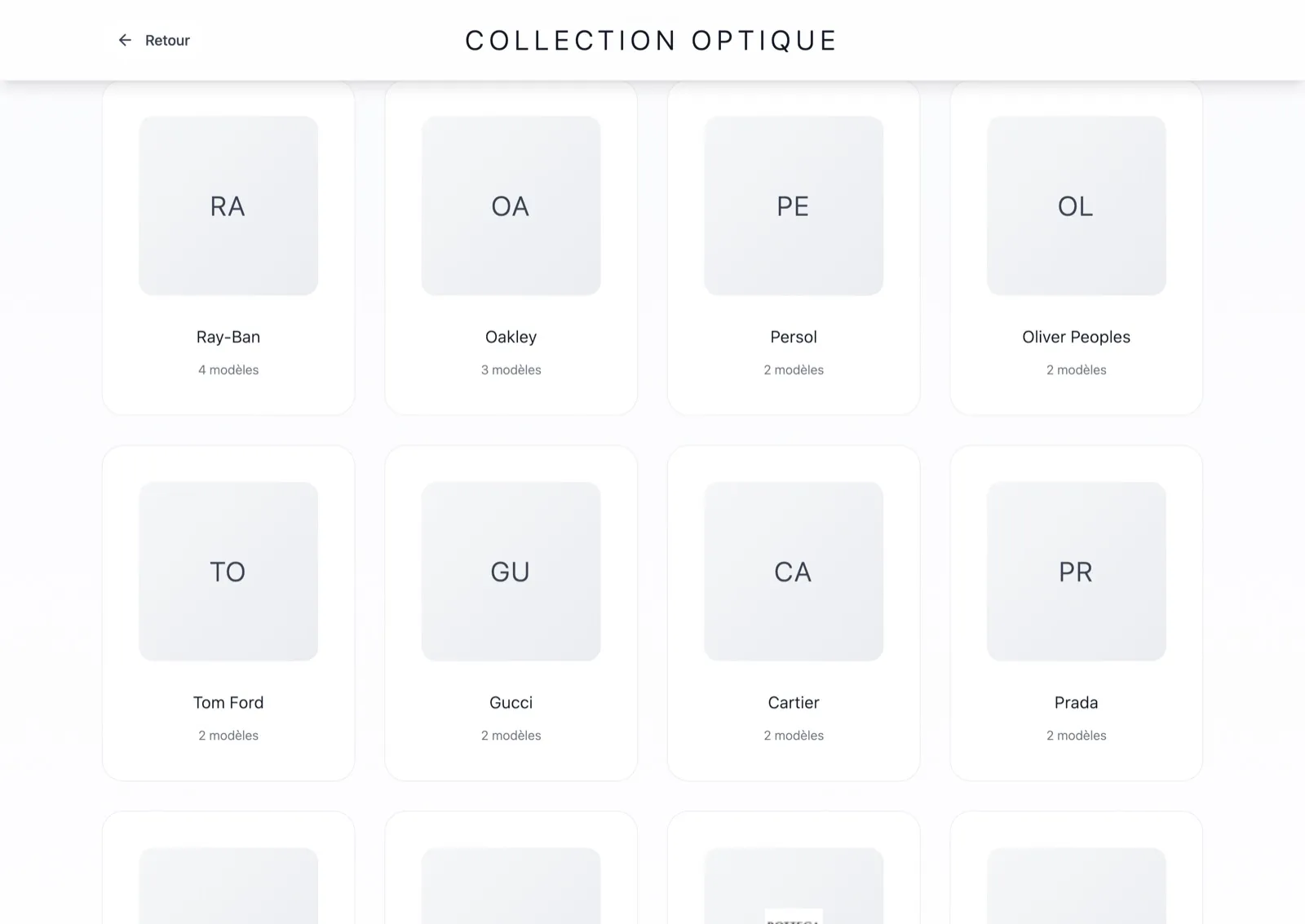
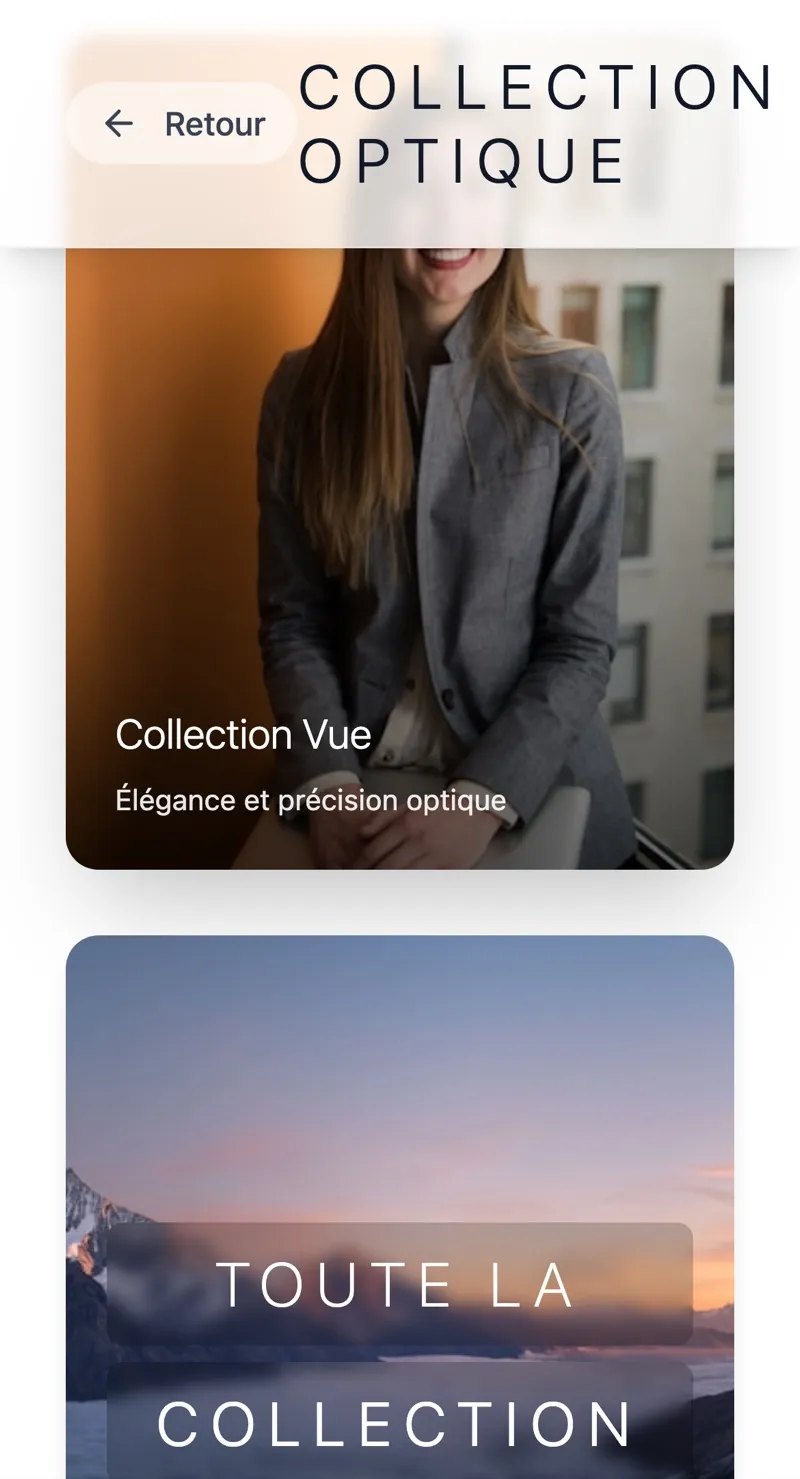
A Vite + React SPA for an eyewear kiosk: an attractor home screen ("Touch to discover"), a collections gallery, brand navigation, a filterable product grid and favorites. A real brand showcase, not a web page sat on a screen.
A journey built for the kiosk
Finger navigation, full screen, micro-animations (halos, particles): the home screen acts as the visual attractor under the hologram before switching into the catalog.
A second device on the same logic
A standalone restaurant menu (Next.js): structured sections, photos, prices, badges, on a dark background that renders better under holographic projection.
A shared design system
A shadcn/ui base and color tokens reused from one device to the next, to dress the next product without starting over and keep an overall coherence.
What it actually changed.
Two kiosks dressed up
An eyewear kiosk and a restaurant kiosk, ready to run under the hologram with real interactive content.
Built for projection
Full screen, dark background, touch prompts: interfaces that render under the hologram, not classic web pages.
A reusable base
A shared design system to dress the next device fast, without duplicating the work.